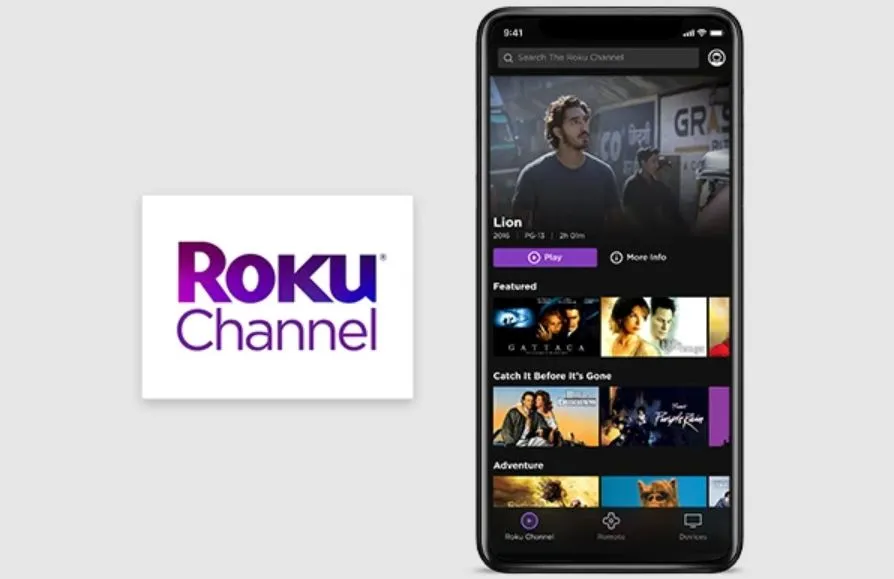
Roku’s own streaming service, The Roku Channel, is a free, ad-supported (AVOD) platform that allows viewers to watch a variety of programming. There are a number of classic movies and TV shows, as well as a number of Roku Originals, like the Kevin Hart comedy series Die Hart.
Of course, The Roku Channel can be accessed through a Roku device or smart TV, but Roku also has a mobile version of the streaming service that allows viewers to watch Roku Channel content from their mobile phones, either iPhone or Android.
Here is how to watch The Roku Channel on an iPhone.
What is The Roku Channel mobile app?
With The Roku Channel mobile app, mobile device users can enjoy all of the free, live and premium content available via The Roku Channel anywhere on their mobile device. The content is presented together, making it easy to search and browse what is available, per Roku.
In regards to iPhones, the Roku Channel is compatible with iOS devices running iOS 11 or higher.
How to download The Roku Channel mobile app
To download The Roku Channel mobile app, iPhone users can visit the App Store on their Apple device or visit the online App Store.
How to start watching content on The Roku Channel mobile app
Once The Roku Channel mobile app is downloaded, users need to sign in to their Roku account or create a new one. After signing in, any content available from The Roku Channel can now be viewed on The Roku Channel mobile app, this includes content only available through premium subscriptions, like access to AMC+, Showtime, Starz and Epix channels.
Users cannot sign up for a Roku Channel premium subscription through The Roku Channel mobile app. Premium subscriptions must be signed up for on a Roku streaming device or via TheRokuChannel.com on a computer or smartphone.


